WordPress Studio: The Fast, Dependency-Free Local Development Revolution

Local development has traditionally been a bit of a hurdle—Docker, MAMP, or local server setups often feel heavy and prone to configuration drifts. Enter WordPress Studio: a free, open-source desktop application from Automattic that redefines local development speed using WebAssembly (WASM) and SQLite.
1. The WebAssembly Engine
Studio is built on WordPress Playground. Instead of running a virtualized Linux server or a local MySQL instance, it runs PHP directly in the browser/app context via WebAssembly and uses SQLite for the database.
This means your local site starts in less than a second. No background processes running when you're not using it, and zero system dependencies to manage.
Tech Stack Comparison
| Traditional | WP Studio |
|---|---|
| Docker Containers | PHP via WASM |
| MySQL / MariaDB | SQLite |
| Apache / Nginx | Instant Runtime |
| Local Domains / Hosts | Studio Sync |
2. Key Features
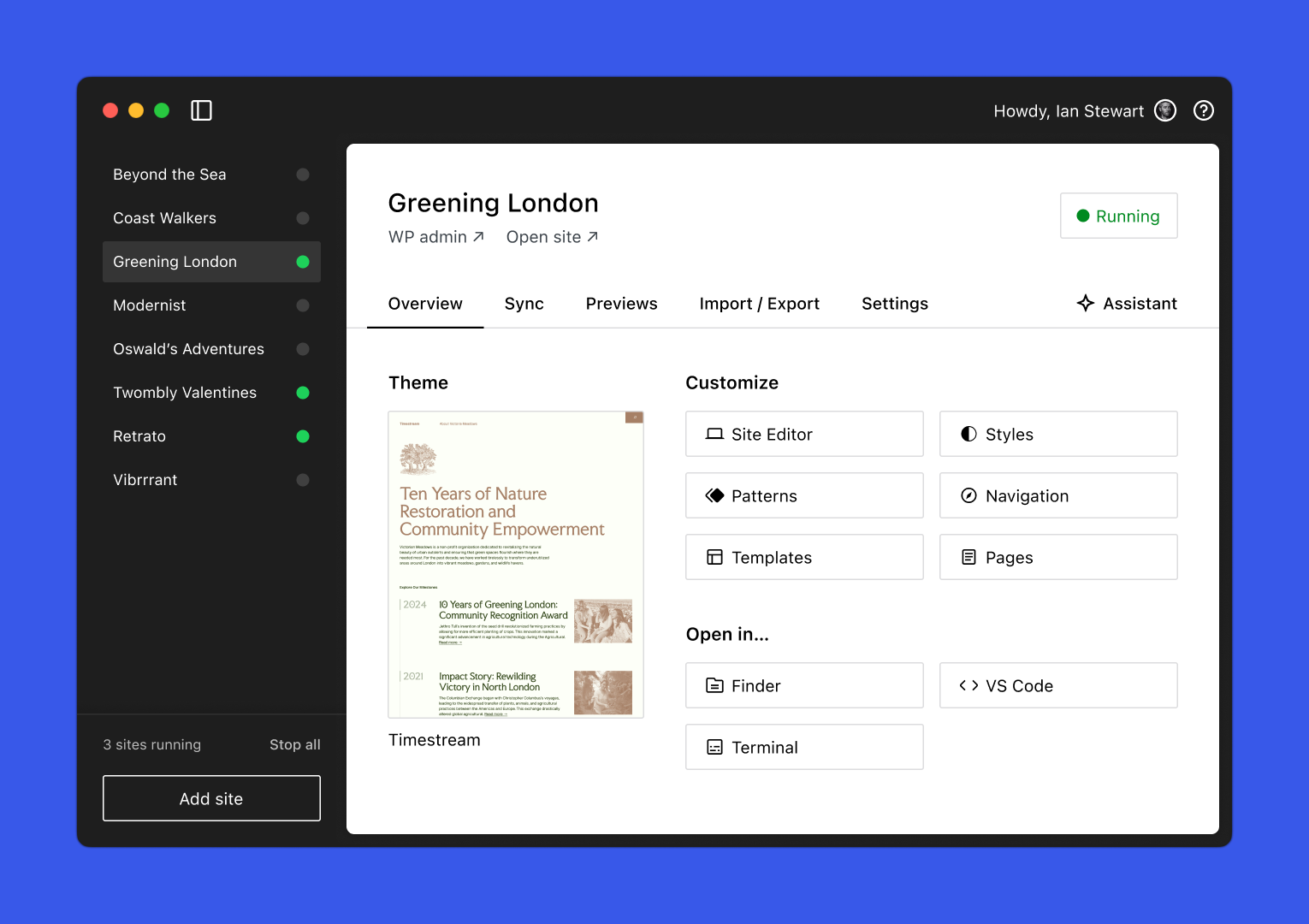
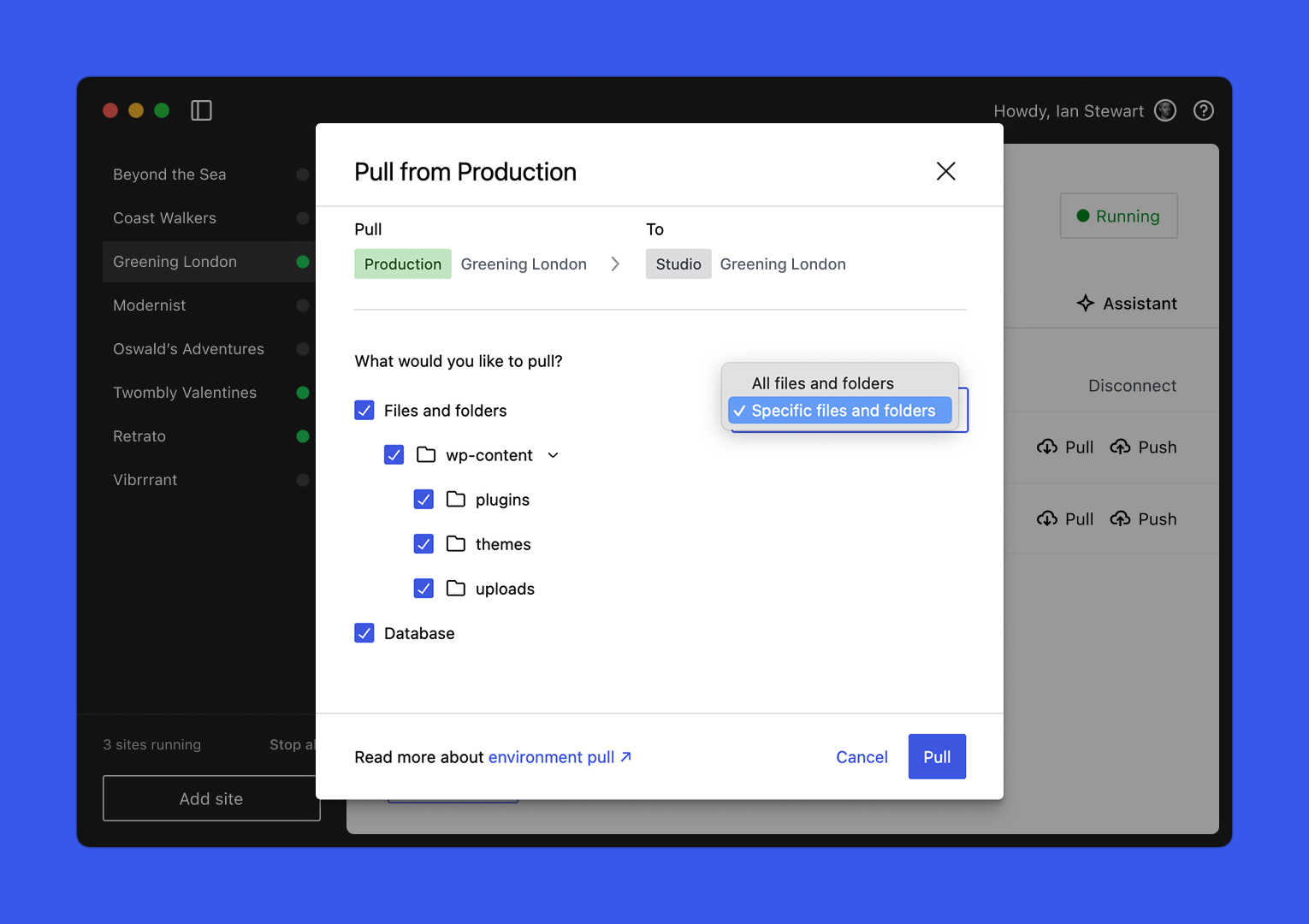
- Studio Sync: Push and pull changes between your local site and a live WordPress.com or Pressable site (requires Business plan).
- Preview Sites: Generate a temporary, shareable URL to show your local work to clients or teammates instantly.
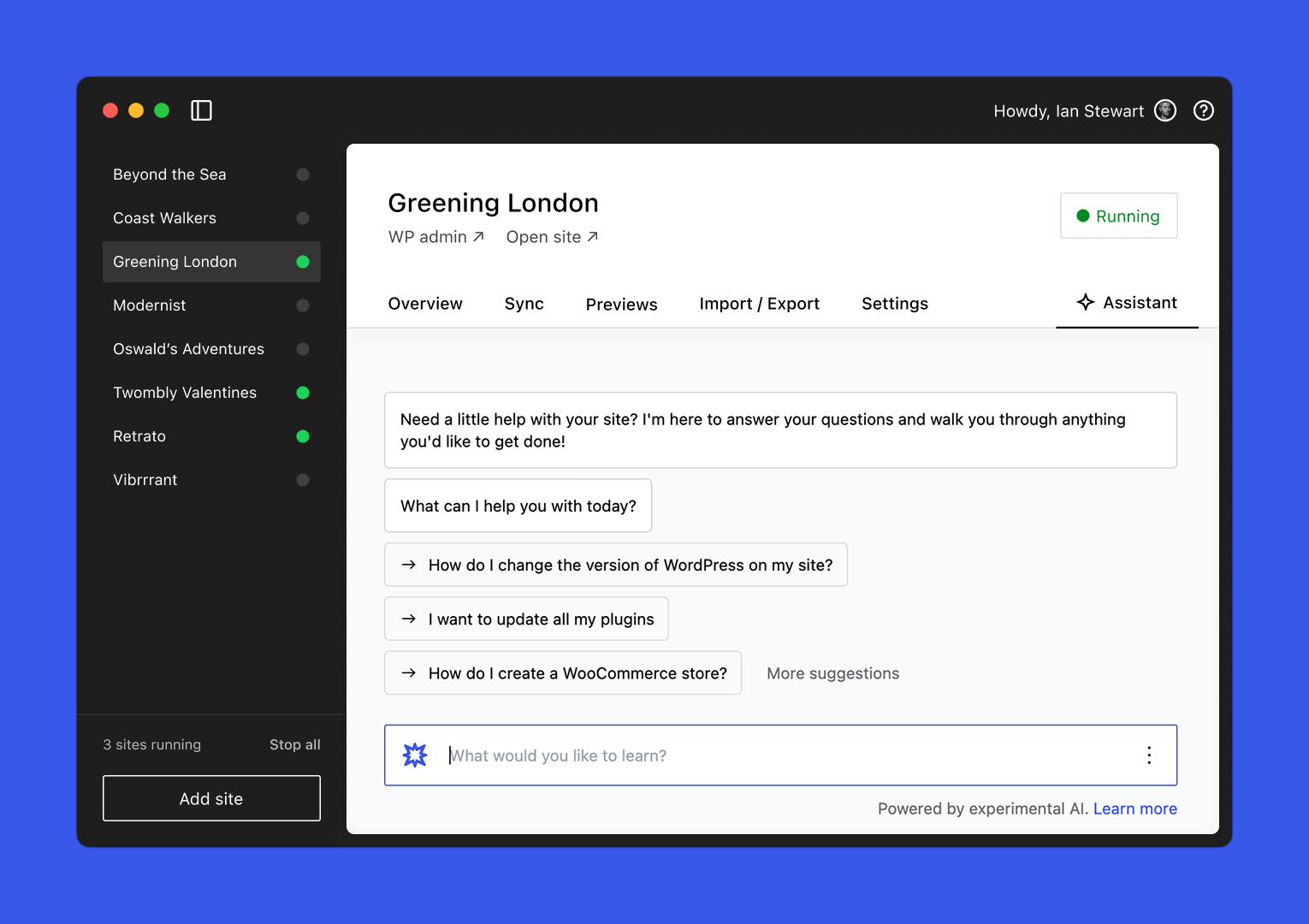
- Built-in AI Assistant: A dedicated AI inside the app to help you generate content, fix code, or answer WordPress questions.
- Blueprints: Start new sites with pre-defined configurations, plugins, and themes.
3. App Interface
The interface is clean and native. Here's a quick look at what it offers:
4. Video Walkthroughs
Want to see WordPress Studio in action? Explore these high-level tours and deep dives from the WordPress team:
Official Studio Overview
Studio Feature Deep Dive
5. Get Started Today
WordPress Studio is available for macOS (Intel and Apple Silicon) and Windows. It's completely free and open source.
Why It Matters
WordPress Studio isn't just another tool; it's a fundamental shift in how we think about the WordPress runtime. By leveraging technologies like WASM and SQLite, Automattic has eliminated the "it works on my machine" friction while making developer onboarding near-instant.
Whether you're a freelancer testing a quick plugin or a developer building a complex theme, Studio provides a frictionless sandbox that stays out of your way.
Discussion